
Synthetic Users
A marketing visual built from code
For a blog about synthetic users, Bikkelhart needed a visual.
The topic almost asked for an image where human and technology blended together. So I split the writer’s portrait in two: one side kept the original photo, the other rebuilt the same person from zeros and ones.
What started as a marketing visual ended with a Python script and surprisingly little standard marketing work.
Half human. Half synthetic.
The blog was about synthetic users. So the visual needed to make that combination visible right away.
The first step was sketching out a few different directions. The strongest one split the same portrait in two.
On one side, the writer stayed visible as she was in the original photo. On the other side, she kept exactly the same shape, but was rebuilt from zeros and ones.
One half was the real person.
The other half was too.
Just built from code.
From there, I designed the rest of the visual around that split, within the brand style. The portrait stayed at the center.
Python for a marketing visual?
My first thought was to create the effect with an existing converter or in Photoshop.
Online tools gave too little control over the shape and style. Photoshop could have worked, but the final photo had not been chosen yet and even there, I would run into restrictions. Every new version would mean adjusting the effect again.
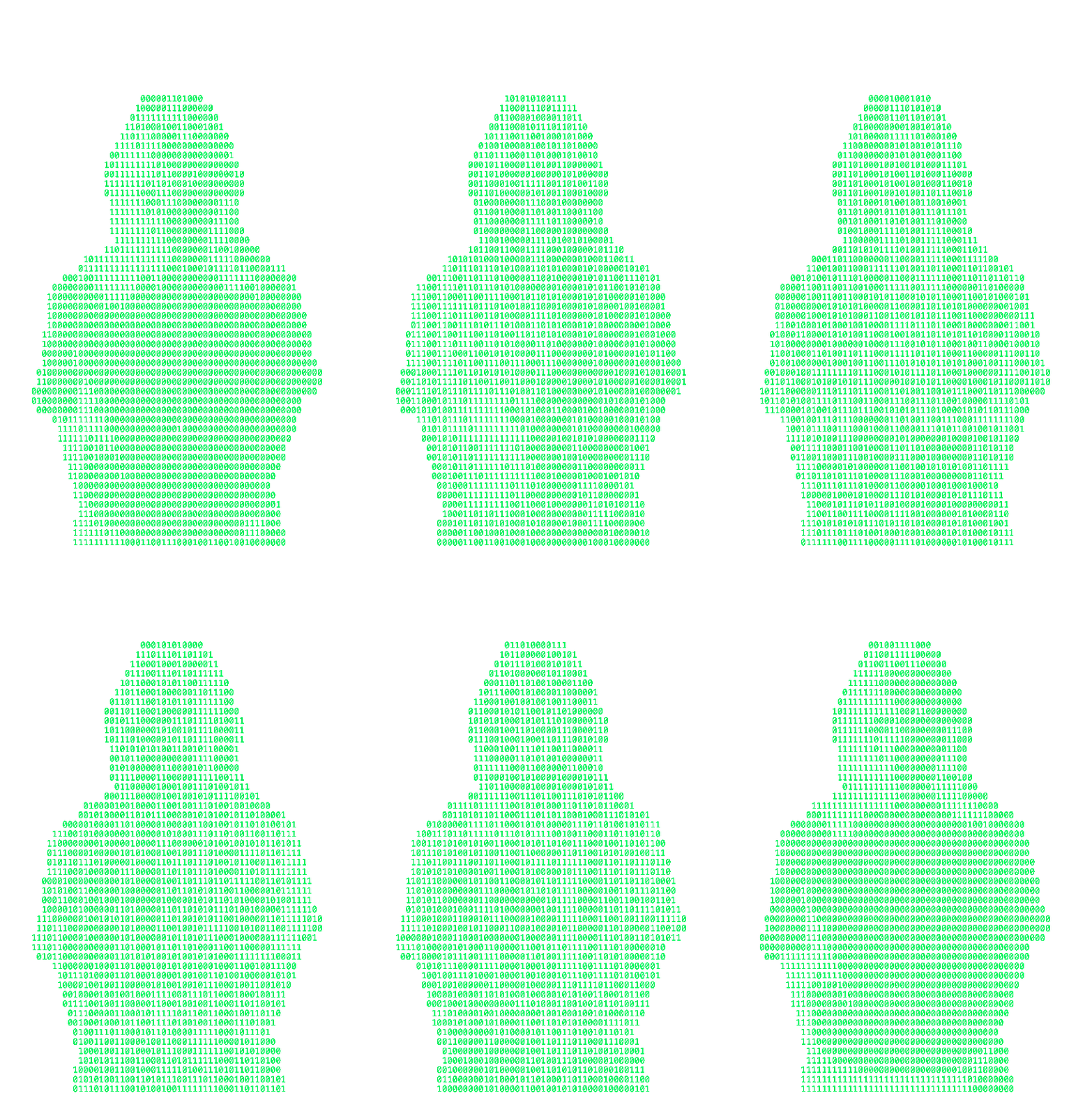
So I wrote a Python script that turns a photo into an SVG made of zeros and ones.
The script opens the image and reads not only the color of each pixel, but also its transparency. Then the photo is reduced to a grid. I can set the number of columns myself. The number of rows is calculated automatically, so the portrait keeps the right proportions.
Then the script moves through that grid cell by cell.
If a cell is transparent, it places a space there. That keeps everything outside the portrait empty.
If a cell is visible, the script checks its brightness. Darker parts become a 1. Lighter parts become a 0.
That creates a text version of the photo, line by line.
All those lines are then written as real text inside an SVG and the full text layer is scaled back to the original size of the image.
So the result is not a filter placed over the photo. It is a new image made entirely out of text.
Once the final portrait was chosen, I only had to run it through the same script again.
Whether writing a Python script was actually more efficient is up for debate.
It was definitely more flexible.
The code started moving
Within Bikkelhart, there was a wish to do more with animation.
Because the portrait was already built from separate characters, the movement could come directly from that same setup. The second script therefore starts in the same way: the photo is scaled down to a grid and every visible cell is translated into a 0 or a 1.
This time, the script also stores which positions are part of the portrait. That mask determines where characters are allowed to appear and where the image should stay empty.
Then the movement starts.
For each column, the script chooses a speed. Some columns fall more slowly than others.
That creates a kind of Matrix like rain of digits within the mask.
After that Matrix animation, the script works back toward the original position of the portrait, until the person becomes recognizable again.
Every step is saved as a separate image. Those images are then combined into a GIF.
The image freezes for a moment and then loops.
The idea behind it is to remind people it's still AI. It may look human on the surface, but at the end of the day it's just zero's and ones.
Stay critical.