
Slackbots
Building a Slack bot to figure out Slack bots
Some projects do not start with a big brief.
Sometimes they start with: how does this actually work?
In Slack, you can set a status next to your name with an emoji. A colleague and I had decided to pick a different custom emoji every day. Obviously, that emoji also needed a backstory.
Fun idea.
We just kept forgetting.
So I built a Slack bot that reminded us every morning.
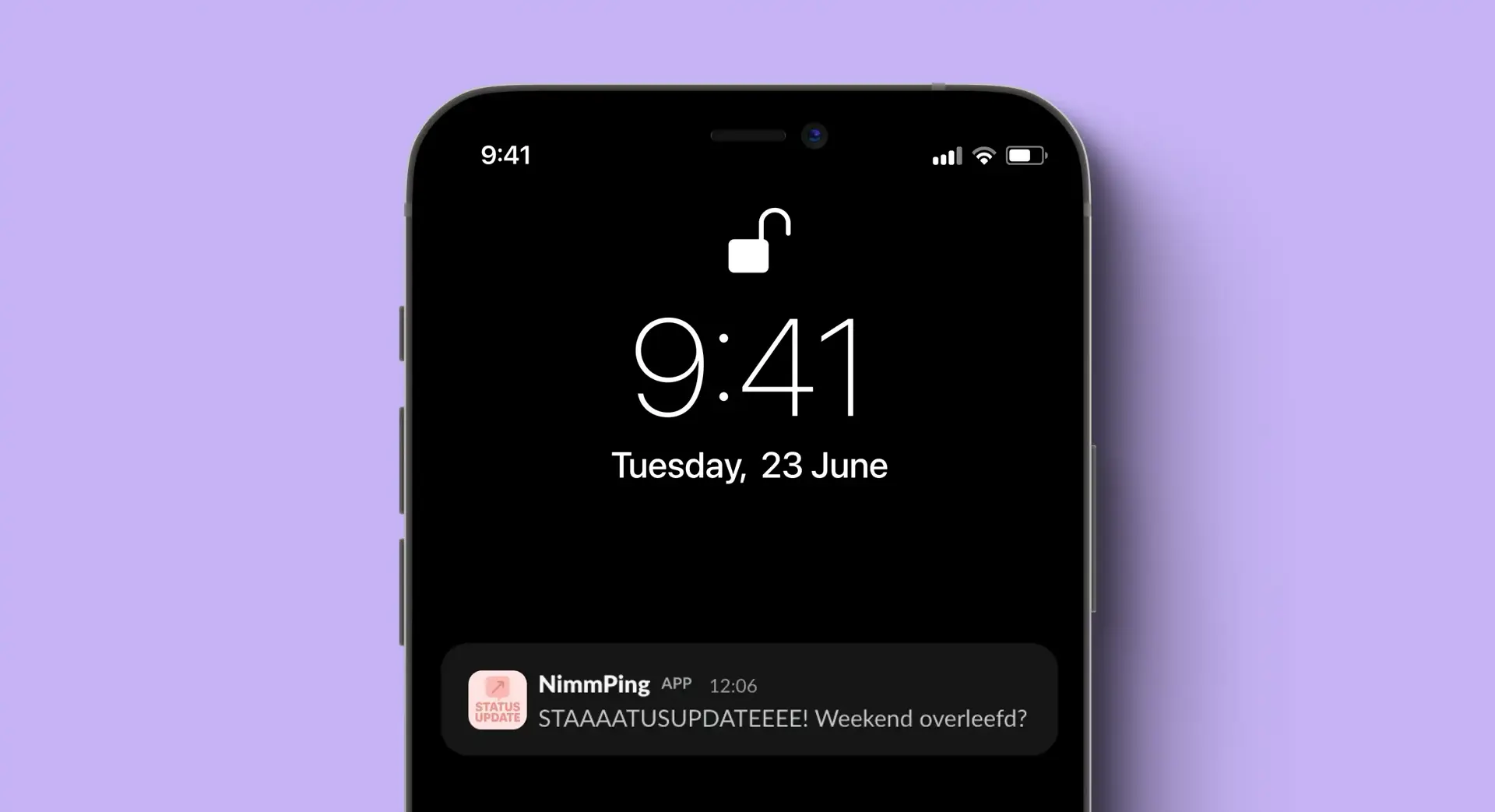
A reminder for a forgotten emoji
The first bot had one job: send a message every morning when it was time to pick a new status.
That sounds small.
It was.
But that is exactly why it made a good experiment. The task was clear enough to build something that worked, without turning it into a whole system.
The script starts with a list of messages. Each workday has its own text. On Monday, the bot asks if the weekend was survived. On Friday, it is mostly happy that the weekend is almost here.
Then the script checks which day it is.
If it is Saturday or Sunday, it stops right away. No status update. Bots deserve weekends too.
If it is a workday, the script picks the message for that day.
After that, it creates a small payload with only the message text. That payload gets sent to a Slack webhook.
To make the script run automatically, I used GitHub Actions.
So the whole bot is basically a small chain:
- GitHub Actions starts the script.
- The script checks which day it is.
- The right message is selected.
- The message is sent to Slack.
- And then it appears in the channel.
Done.
Same foundation, different bot
Once the first bot worked, I used the same foundation for a second version.
This bot sent a question to a Slack channel every day. A question of the day, meant as a quick daily check-in.
In the first bot, the content was still written directly into the code. For the second one, I wanted that to be easier to update. So the questions live in a separate text file.
The script opens that file and reads all the lines. Empty lines are skipped. That means I can add new questions without changing the code.
Then the script counts how many questions there are.
After that, it looks at the date to decide which question should be posted that day. The script calculates how many days have passed since the questions file was last changed.
That number is used to pick a question from the list.
Once all questions have been used, the counter starts again from the beginning. That way, the bot can keep running even if the question list is not endless.
Then the question is turned into a Slack message. The number of thecurrent question is shown at the bottom. That also gives a small hint when it is time to come up with new questions again.
The first bot picks a fixed message for each day. The second bot reads external content and decides which question is up today.
Still not a giant project.
Just a little smarter than the first one.
Built because I was curious
This project was not a big design process.
No interviews, no strategy deck and no complicated flow with twelve edge cases.
It was mostly an excuse to learn something I was curious about. If I do not understand something, I want to know how it works. Small project, big project, does not really matter.
Just start.
The first bot taught me how to get a message into Slack in the first place.
The second one taught me how to make the same foundation a little more flexible by separating the content from the code.
A message every morning.
And we still forgot the emoji regularly.
But I do understand how Slack bots work.